MayQR - Customer Flow Journey
A walk through the new mayqr-next experience end to end: discover, create, sign up, track, manage, and upgrade. Built for the HND-623 dashboard overhaul sign-off.
1. Discover & Create
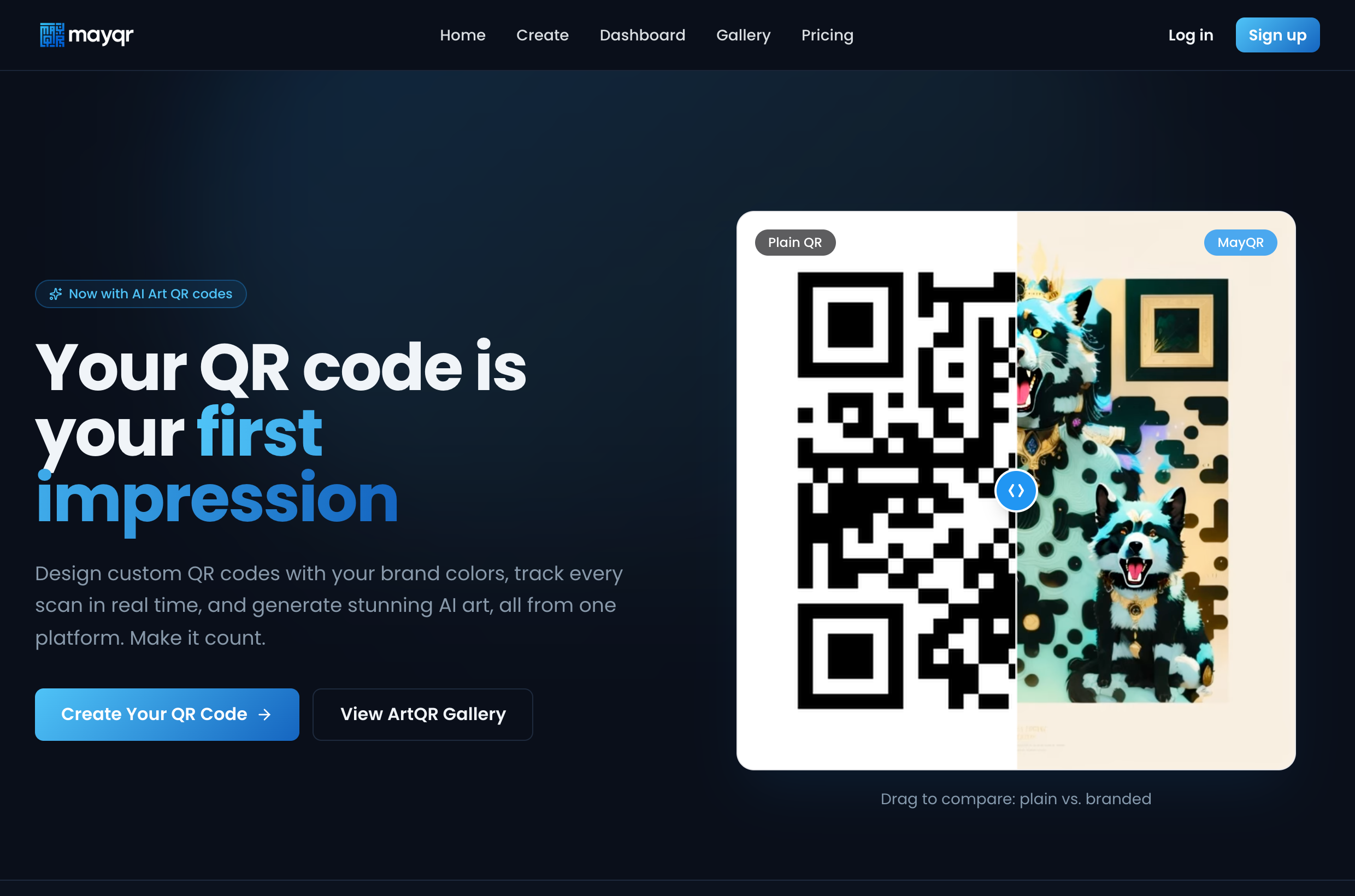
Land on the homepage
The visitor arrives. Hero comparison slider (plain vs branded), then the inline mini-builder, social proof marquee, feature bento, live analytics demo, pricing and FAQ. The primary call to action is Create Your QR Code.
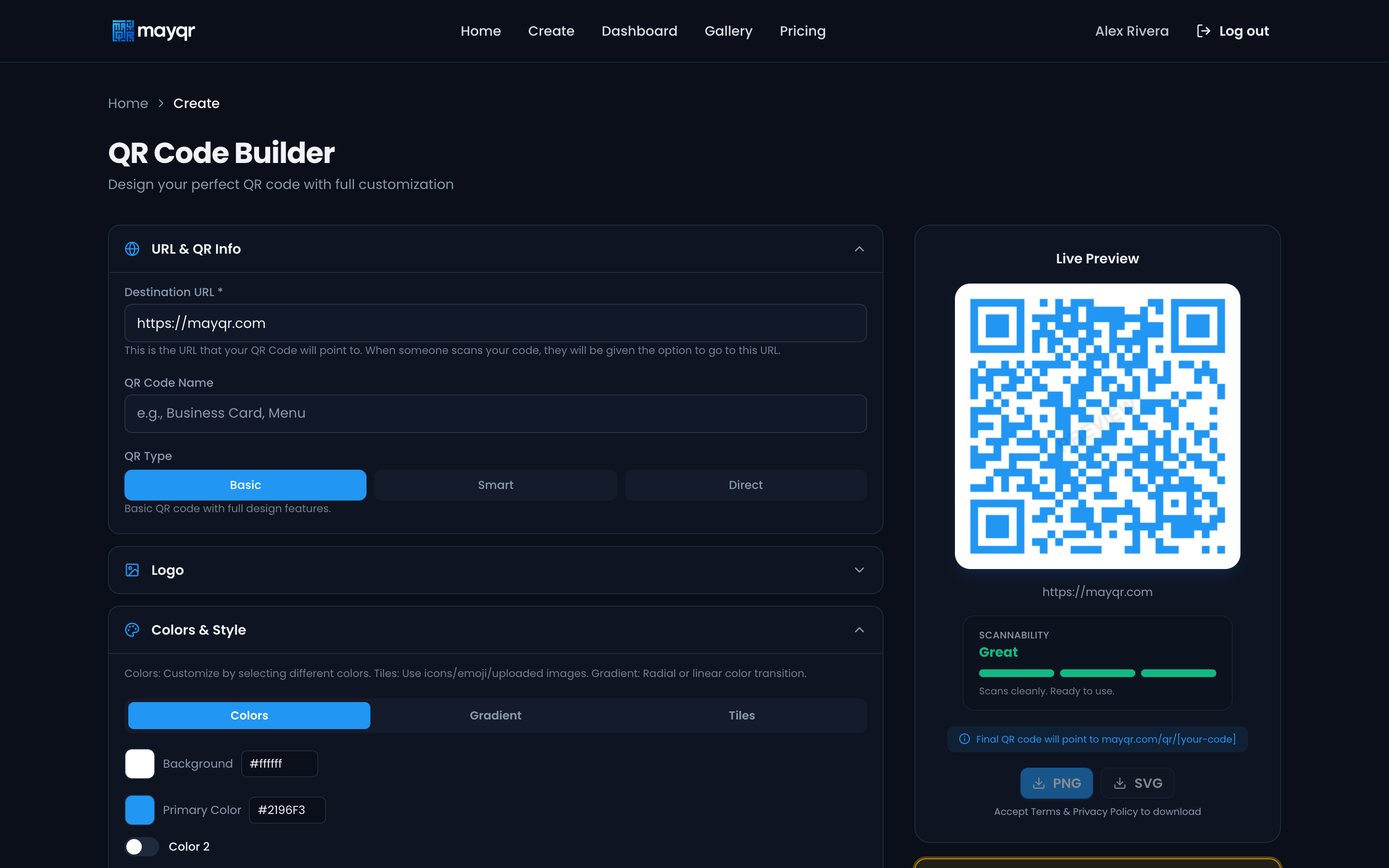
Build a QR code
The full builder at /create. They paste a destination URL, name it, pick a type (Basic / Smart / Direct), then style it (logo, colors, gradient, tiles). The live preview updates instantly and shows a scannability meter (Great / Good / Check on a phone). Export PNG or SVG once terms are accepted.
2. Sign up
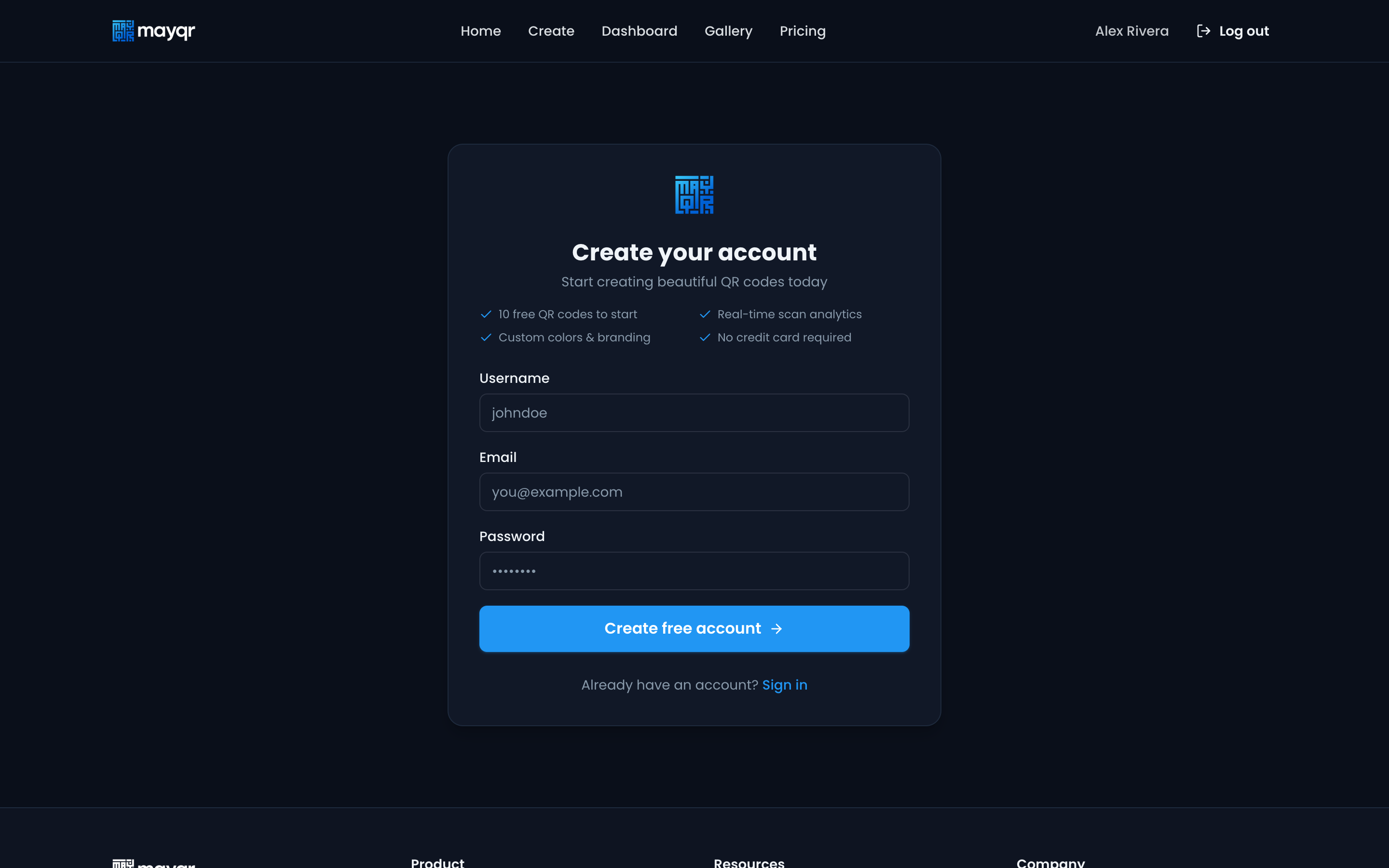
Create an account
Registration form (username, email, password). Posts to the new mayqr/v1/auth/register route, then the app confirms the session via /me.
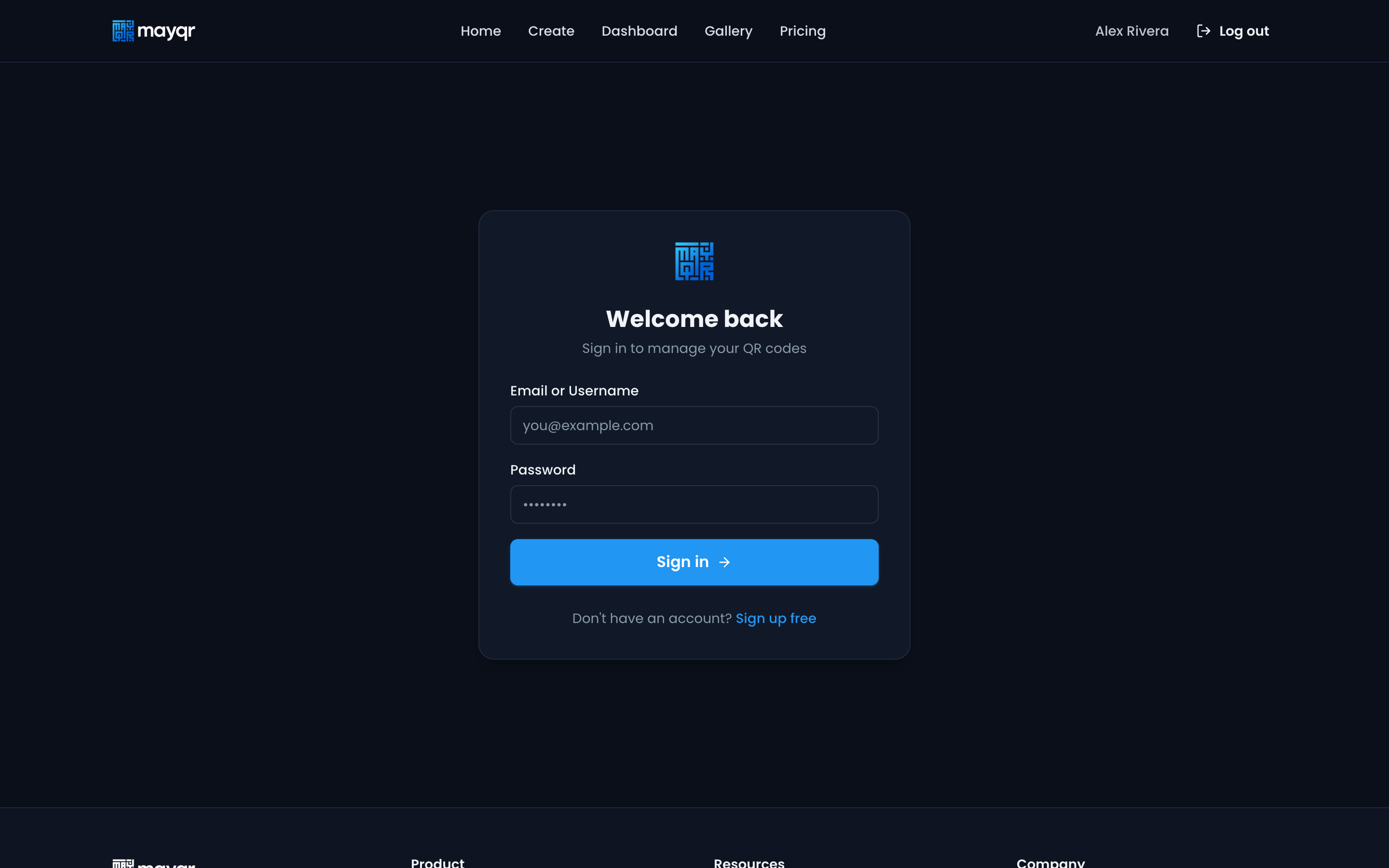
Log in
Returning customers log in here. On success the navbar flips to show their name and a Log out control, and the dashboard + code management unlock.
3. Track & manage
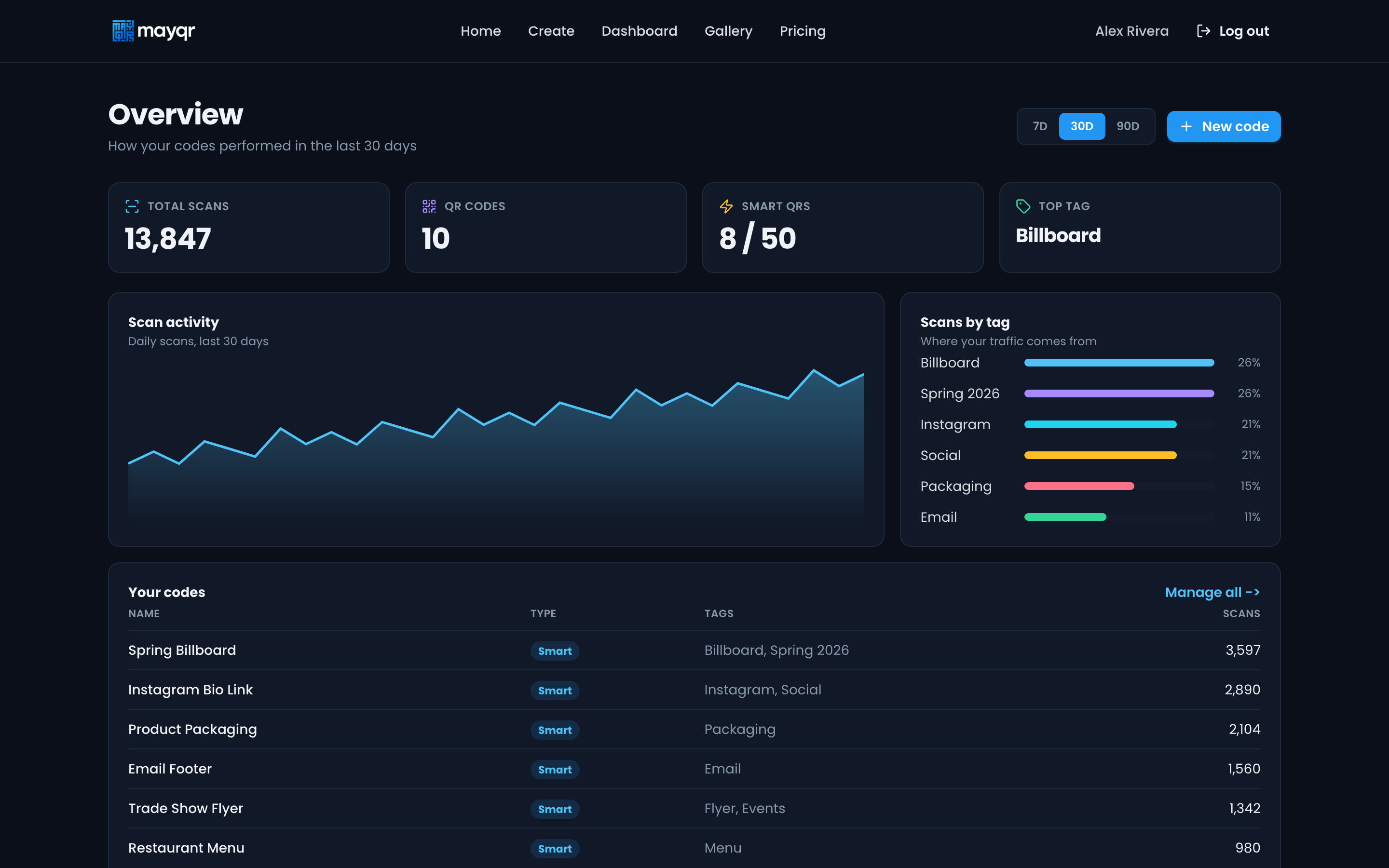
Dashboard overview
What they see right after login. KPI cards (total scans, code count, Smart QR usage, top tag), a scan-activity trend (7/30/90 day range), a scans-by-tag breakdown, and a sortable top-codes table. Data-honest: only counts over time, by code, and by tag (no geo/device, because the scan log doesn't store it).
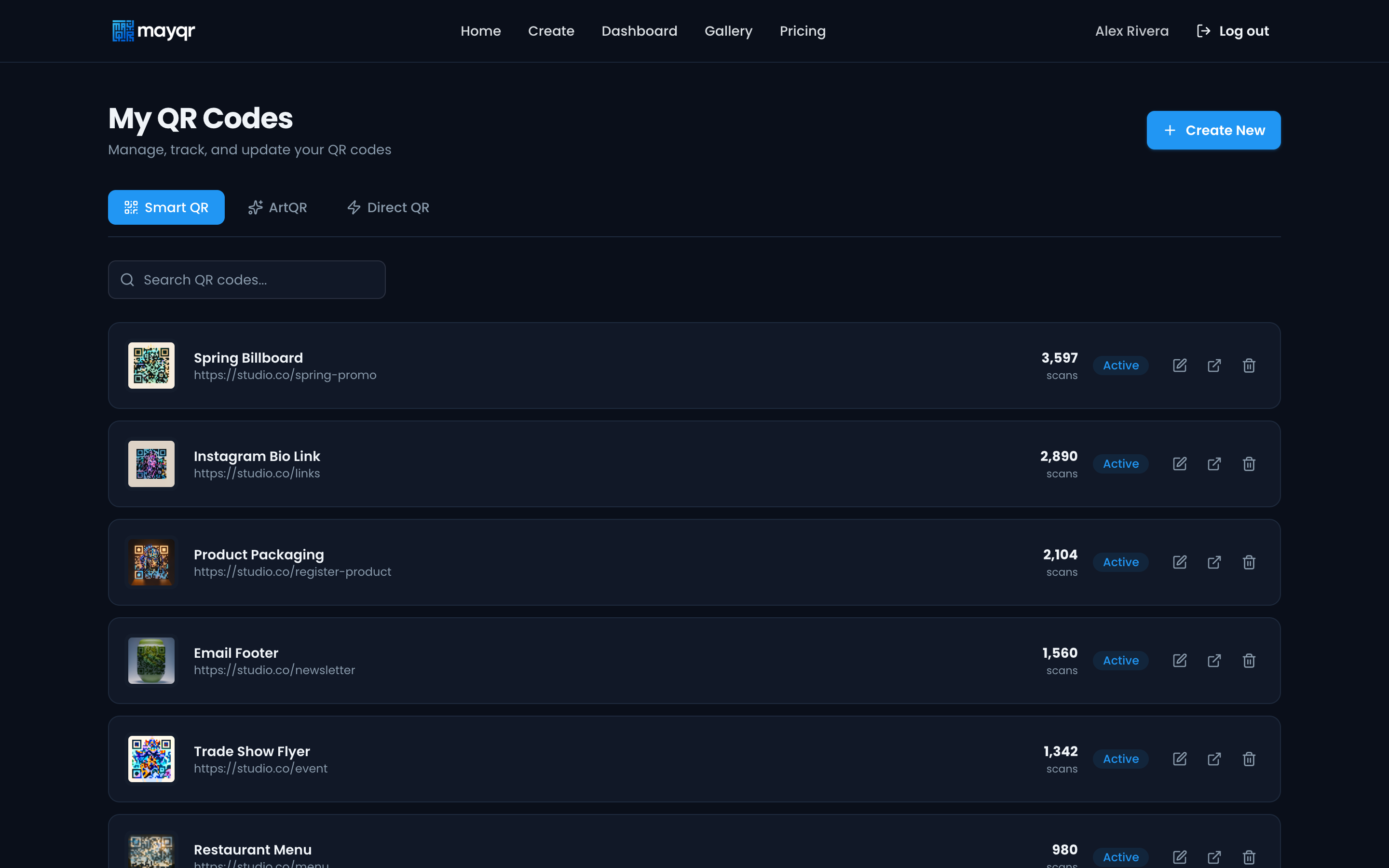
Manage QR codes
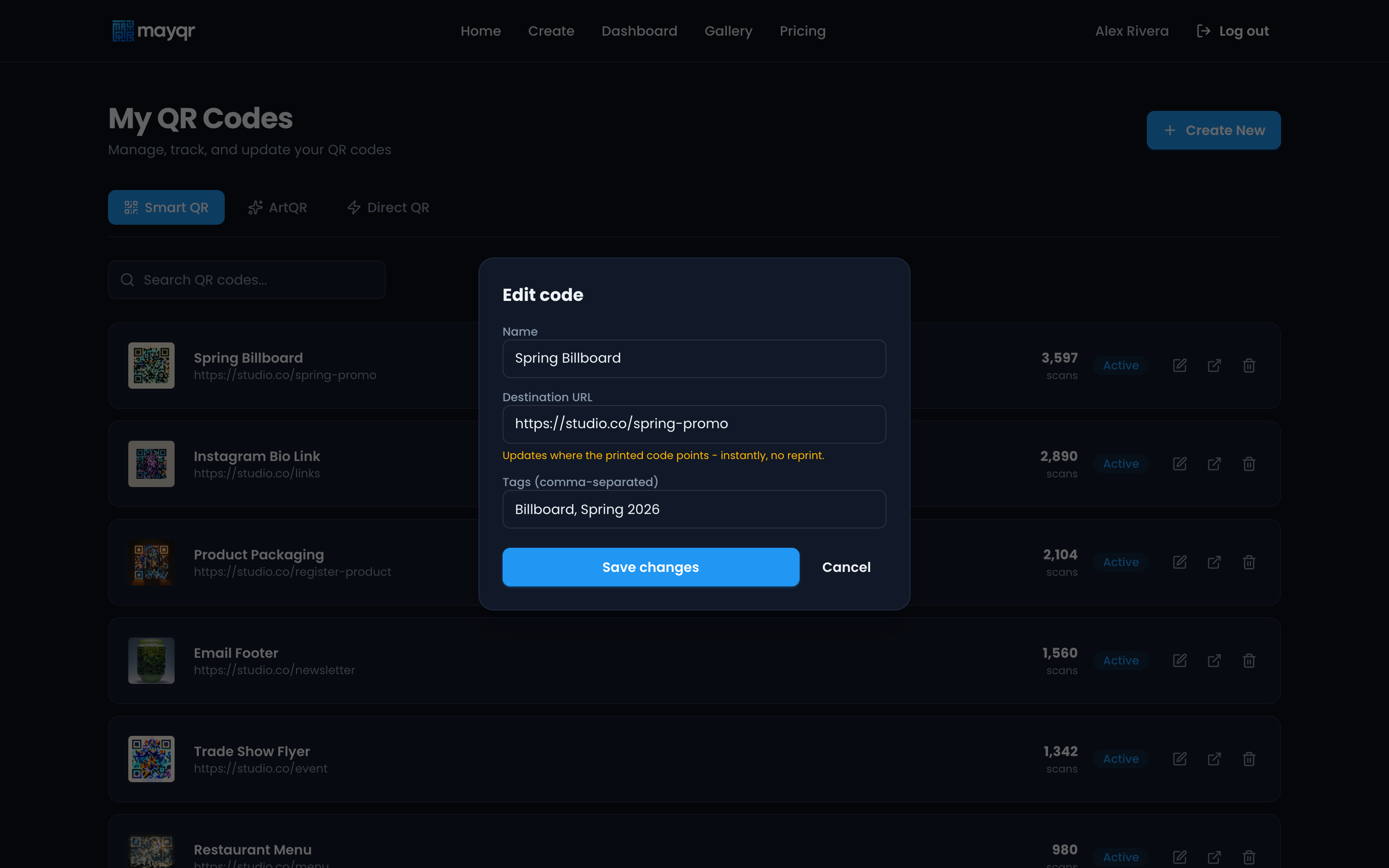
The code library at /qr-codes, tabbed by Smart QR / ArtQR / Direct QR, searchable. Each row shows the preview, destination, scans, status, and quick actions (edit, open, delete).
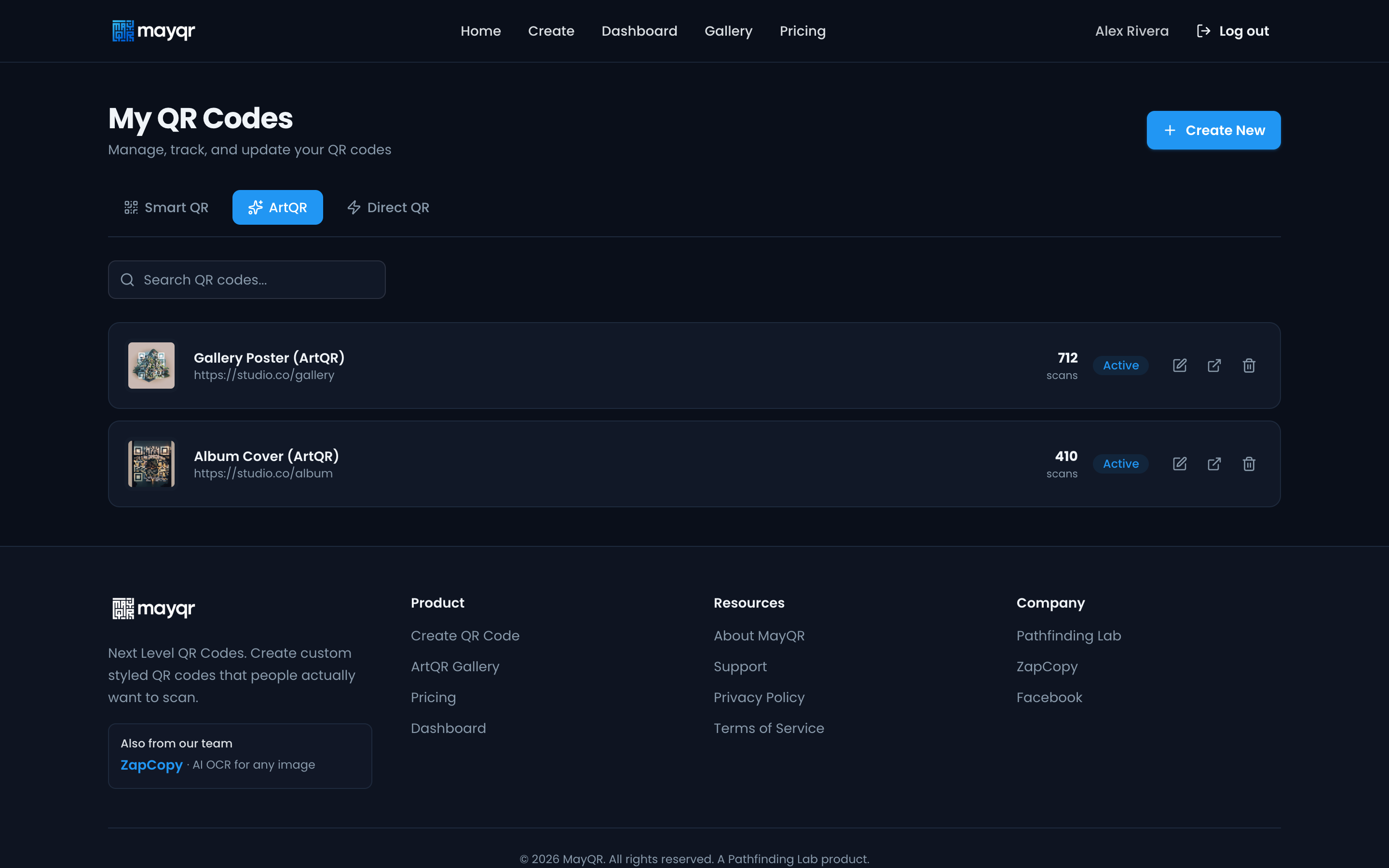
ArtQR tab
Same list filtered to AI-art codes. ArtQR pieces are the differentiated, higher-tier product.
Edit / retarget a code
Editing opens a focused modal: rename, change tags, and retarget the destination URL. For Smart codes the amber note calls out the core value: the printed code keeps working, you just repoint it, instantly, no reprint. Delete uses a confirm prompt ("Delete <name>? The code will stop redirecting.") then disables the code.
4. Upgrade
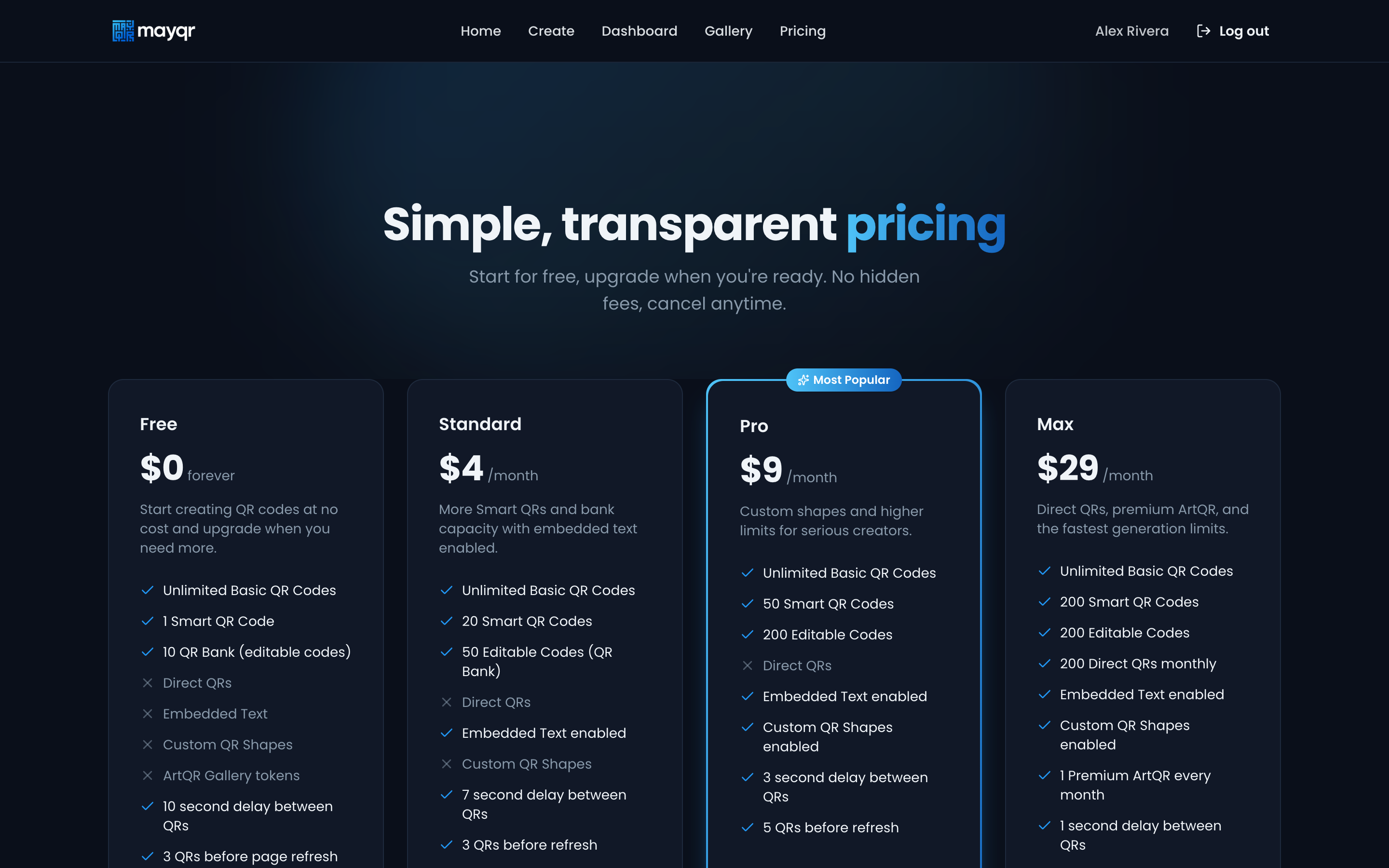
Choose a plan
Four tiers (Free / Standard $4 / Pro $9 / Max $29) with a clear feature matrix and Pro flagged Most Popular. This is where a free user converts.
On mobile
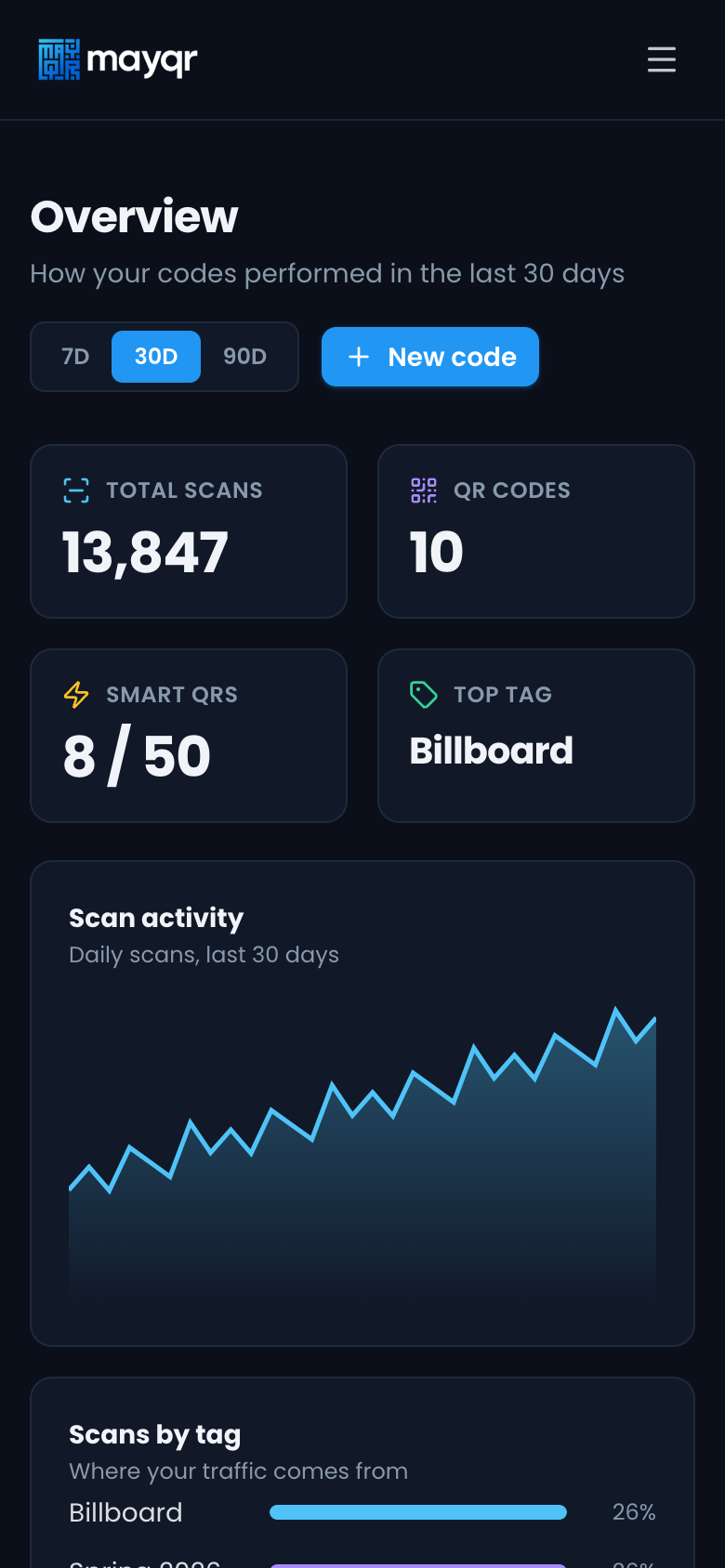
Dashboard on a phone
The dense dashboard reflows cleanly to a single column on mobile: KPIs in a 2x2 grid, full-width chart, stacked panels.